
Introduction
Tired of wasting time manually typing in every ingredient of your meal? We get it. That’s why Calorie Counter by NutriSnap was built to make food logging not just more accurate, but ridiculously fast. Whether you’re juggling a busy schedule, eating out, or simply hate typing, NutriSnap offers three powerful logging methods designed to save you time: Voice Logging, Photo Tracking, and Barcode Scanning.
In this blog, we’ll show you exactly how to use each feature to speed up your tracking routine and stay consistent with your health goals.
🎤 Voice Logging: Speak It, Log It
Sometimes, typing isn’t practical. Maybe your hands are full, or you just want to log on the go. That’s where voice tracking shines.
How It Works:
- Open the NutriSnap app.
- Tap the microphone icon on the home or food log screen.
- Say your meal out loud: e.g. “1 cup of oatmeal with banana and peanut butter.”
- NutriSnap uses AI to instantly analyze and log your meal.
Benefits:
- Log meals hands-free.
- Works in multiple languages.
- AI-enhanced recognition for complex meals.
Pro Tip:
Be descriptive but concise. Say “Grilled chicken breast with 1 cup of steamed broccoli” instead of just “chicken.” This improves accuracy.
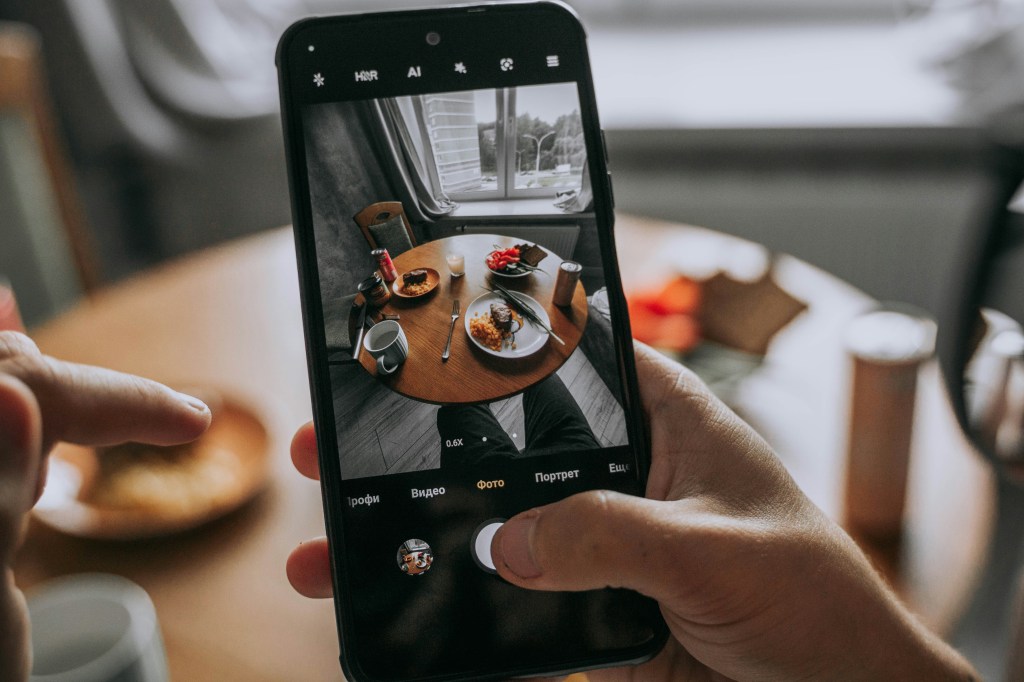
📸 Photo Logging: Snap to Track
Too busy to describe your meal? Just take a photo.
How It Works:
- Tap the camera icon in the food logging section.
- Snap a photo of your plate.
- NutriSnap analyzes the image using AI vision technology.
- It automatically detects food items and suggests matches with accurate serving sizes.
Benefits:
- Perfect for visual eaters and fast logging.
- Ideal when eating out or unsure of food names.
- Great for maintaining a food diary without stress.
Pro Tip:
Take clear, top-down photos in good lighting. NutriSnap can better identify multiple foods when they aren’t mixed together.
🏧 Barcode Scanning: Scan & Done
If you’re eating packaged foods, barcode scanning is the fastest way to log.
How It Works:
- Tap the barcode icon in the food search or logging screen.
- Point your camera at the product barcode.
- NutriSnap pulls data from its verified global food database.
Benefits:
- Ultra-fast and reliable.
- Pulls nutritional facts instantly.
- Great for supermarket hauls and pantry staples.
Pro Tip:
Scan once and save as a favorite to reuse quickly next time.
✨ Why Fast Logging Matters
Speed isn’t just about convenience. The quicker and easier it is to log your meals, the more likely you are to stick to your calorie and nutrition goals. Fast logging reduces mental friction, making calorie tracking a sustainable part of your day.
NutriSnap combines speed, accuracy, and ease — without sacrificing the integrity of your data. Every food item logged through voice, photo, or scan is matched against verified food sources (like USDA), ensuring you’re not logging guesses or user-submitted inaccuracies.
🚀 Ready to Log Smarter, Not Harder?
If you’re still manually typing every meal, it’s time to upgrade your routine. Calorie Counter by NutriSnap is more than just another food diary — it’s a smart tracker designed for real life.
Download now and experience:
- ✅ Voice Logging for hands-free entries
- 📷 Photo Tracking with AI food recognition
- 🏧 Barcode Scanning for instant packaged food data
Whether you’re trying to lose weight, gain muscle, or just eat better, NutriSnap makes logging your food faster than ever.
Download Calorie Counter by NutriSnap now!
 NutriSnap
Leave a comment