
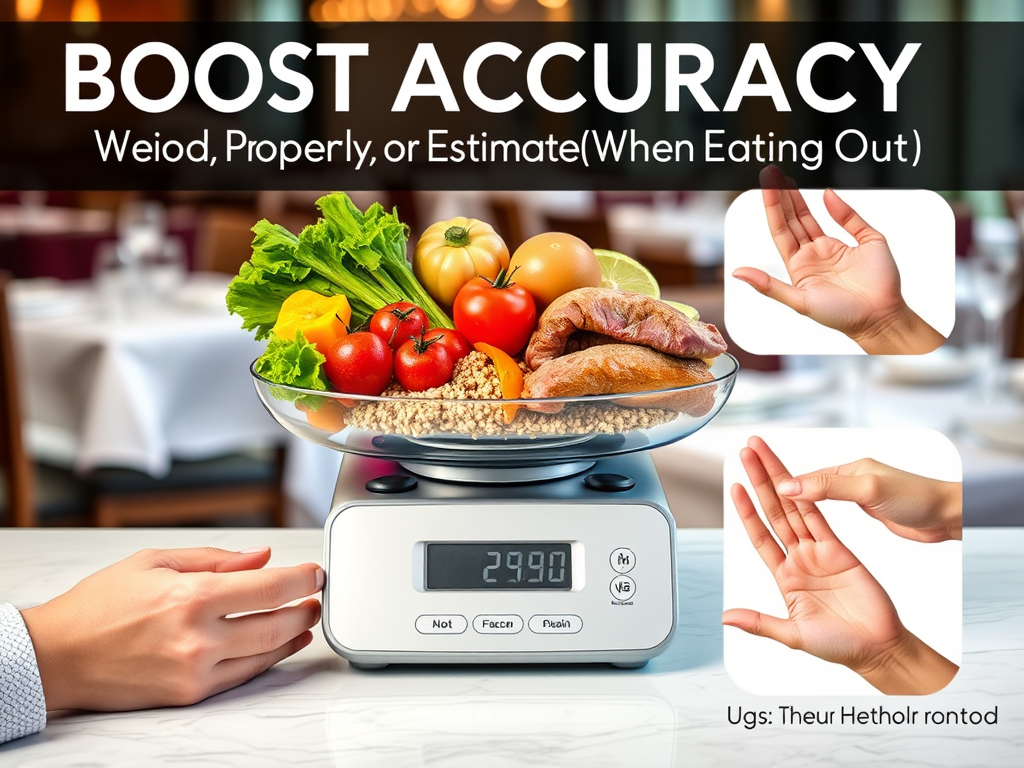
If you want better results from calorie tracking, accuracy is everything. But let’s face it: nobody wants to carry a food scale to dinner. Whether you’re meal prepping at home or grabbing lunch on the go, knowing how to weigh food properly and estimate portions like a pro can make all the difference.
In this guide, we’ll break down simple tips to boost your logging accuracy and how Calorie Counter by NutriSnap helps you track smarter — not harder.
⚖️ How to Weigh Food Properly at Home
Weighing your food (even just for a few weeks) helps you:
- Understand portion sizes
- Improve tracking consistency
- Build a more intuitive relationship with food
Tips for Weighing Food Accurately:
1. Use a Digital Kitchen Scale
- Choose one that measures in grams and ounces
- Always reset the scale to zero (tare function) before adding food
2. Weigh Raw or Cooked?
- Always log based on how the food is listed in your app (raw or cooked)
- Raw is more consistent, but NutriSnap includes both versions in its verified database
3. Use Consistent Units
- Log in grams or ounces, not cups/spoons, for the most accurate results
4. Weigh Ingredients Separately
- Don’t weigh full meals — break them down: protein, carbs, fats, sauces
🍽️ How to Estimate Portions When Eating Out
Eating out? You can still be accurate without a scale.
1. Use the Hand Method (Quick & Practical)
- Palm = ~3–4 oz protein (chicken, steak, tofu)
- Fist = ~1 cup of veggies or grains
- Thumb = ~1 tbsp oils or peanut butter
- Cupped hand = ~1/2 cup snacks, rice, or fruit
2. Visual Cues for Common Foods
- Slice of bread = size of your hand
- Deck of cards = 3 oz meat
- Dice = 1 oz cheese
3. Look for Menu Clues
- Menus often mention portion sizes (e.g., “8 oz steak” or “served with ½ cup rice”)
- Compare to similar verified entries in NutriSnap
4. Don’t Skip Logging
Even a rough estimate is better than nothing. Consistency beats perfection.
🔗 How NutriSnap Helps You Track with Confidence
Calorie Counter by NutriSnap gives you the tools to boost accuracy — whether you’re at home or out and about:
🏧 Barcode Scanner:
Log packaged foods in seconds with verified nutrition info.
📸 Photo Logging:
Snap your plate and let NutriSnap estimate calorie and portion sizes using AI.
🎤 Voice Logging:
Say your order (“grilled salmon, 1 cup rice, side salad”) — NutriSnap logs it for you.
✅ Verified Food Database:
Search fewer options and get more accurate, trustworthy results — no confusing duplicates.
🚀 Pro Tips to Practice and Improve Estimation
- Practice portioning at home, then compare your guess to actual weight
- Log common meals and repeat favorites to reduce guesswork over time
📊 Final Thoughts: Better Accuracy = Better Results
You don’t need to be perfect to make progress. But the more accurately you log your meals, the clearer your trends and the faster your results.
With Calorie Counter by NutriSnap, you get fast, verified tools to help you log more confidently — at home and out in the world.
Download NutriSnap today available in IOS and Android and start tracking smarter, one bite at a time.
 NutriSnap
Leave a comment